 MultiCamViewer
Finds your cameras by itself
Open the app and every recorder, camera and doorbell on your network is listed, even with a VPN on. Pick one, type its password, done.
A fast, native app for your recorders, cameras and video doorbells. It finds them on your network by itself, so you're watching in under a minute.
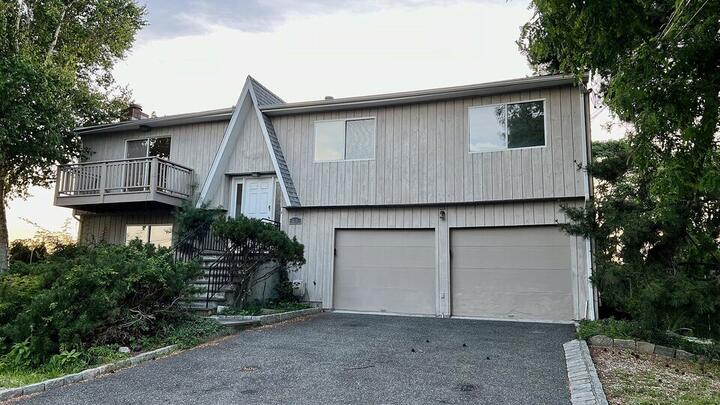 Home recorder – Driveway
 Home recorder – Front door
 Home recorder – Garden
 Home recorder – Pool
 Home recorder – Street
 Home recorder – Garage
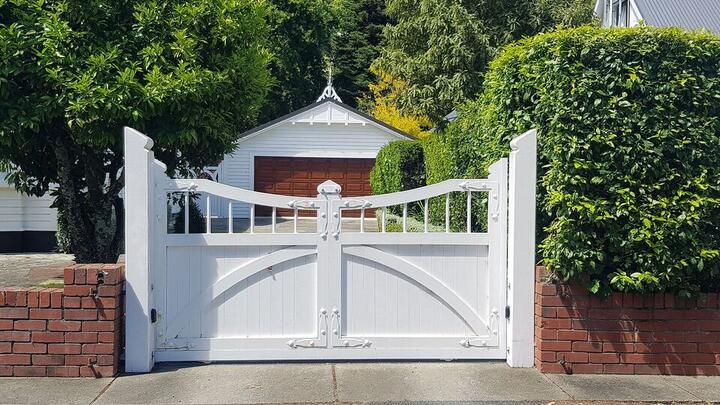 Home recorder – Side gate
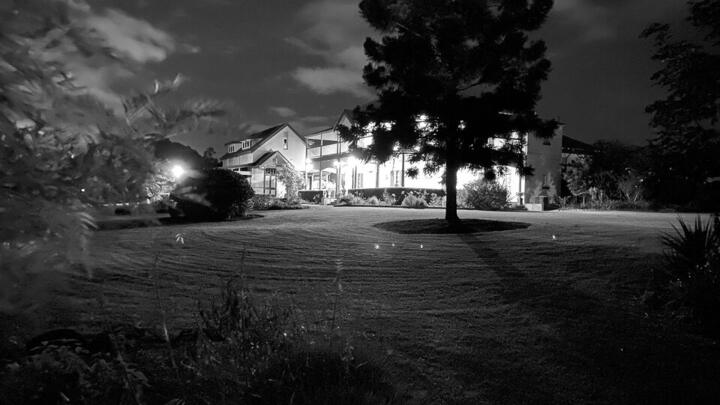 Home recorder – Back yard
 Office
Works with the cameras and recorders you already have
DahuaAmcrest · Lorex · Imou HikvisionHiLook · Annke Uniview Reolink ONVIFmost other brandsFeatures
Built for the Mac from the first line of code, with the video decoded by the Mac's own hardware.
Open the app and every recorder, camera and doorbell on your network is listed, even with a VPN on. Pick one, type its password, done.
See at a glance what was recorded today. Click any moment to play it, step back 30 seconds, save a picture.
When someone rings, the door camera fills the screen. Talk to them and open the gate from your desk.
Dahua recorders connect with just their serial number, like in DMSS. Nothing to set up on the router.
1, 4, 9 or 16 cameras per page. Drag to arrange, save the view, switch instantly.
No account and no cloud of ours. Video goes straight from your cameras to your Mac, and passwords stay in your Apple Keychain.
H.264 and H.265 decoded by the Mac's hardware, so even sixteen cameras stay smooth and quiet. It runs in the menu bar to never miss the doorbell.
Install
Move MultiCamViewer to your Applications folder.
Only the first time, so macOS lets the app start.
Pick them from the list the app finds and type their password.
FAQ
Yes. There's no account to create, no subscription and nothing to pay.
Yes. Dahua recorders connect with just their serial number (P2P). For any brand, you can also forward a port on your router and use your DDNS name or public address.
Any Mac with macOS 11 Big Sur or later, with Apple Silicon or Intel. Video is decoded by the Mac's hardware.
Dahua and its brands (Amcrest, Lorex, Imou), Hikvision (HiLook, Annke), Uniview, Reolink, and most other cameras through ONVIF. Recordings and door stations work with Dahua and Hikvision.
Only on your Mac, in the Apple Keychain. The app has no account and sends nothing to us.
The app isn't distributed through the App Store. Right-click it, choose Open, then Open again. You only do this once.

Download MultiCamViewer and watch your cameras in a minute.
Download for Mac